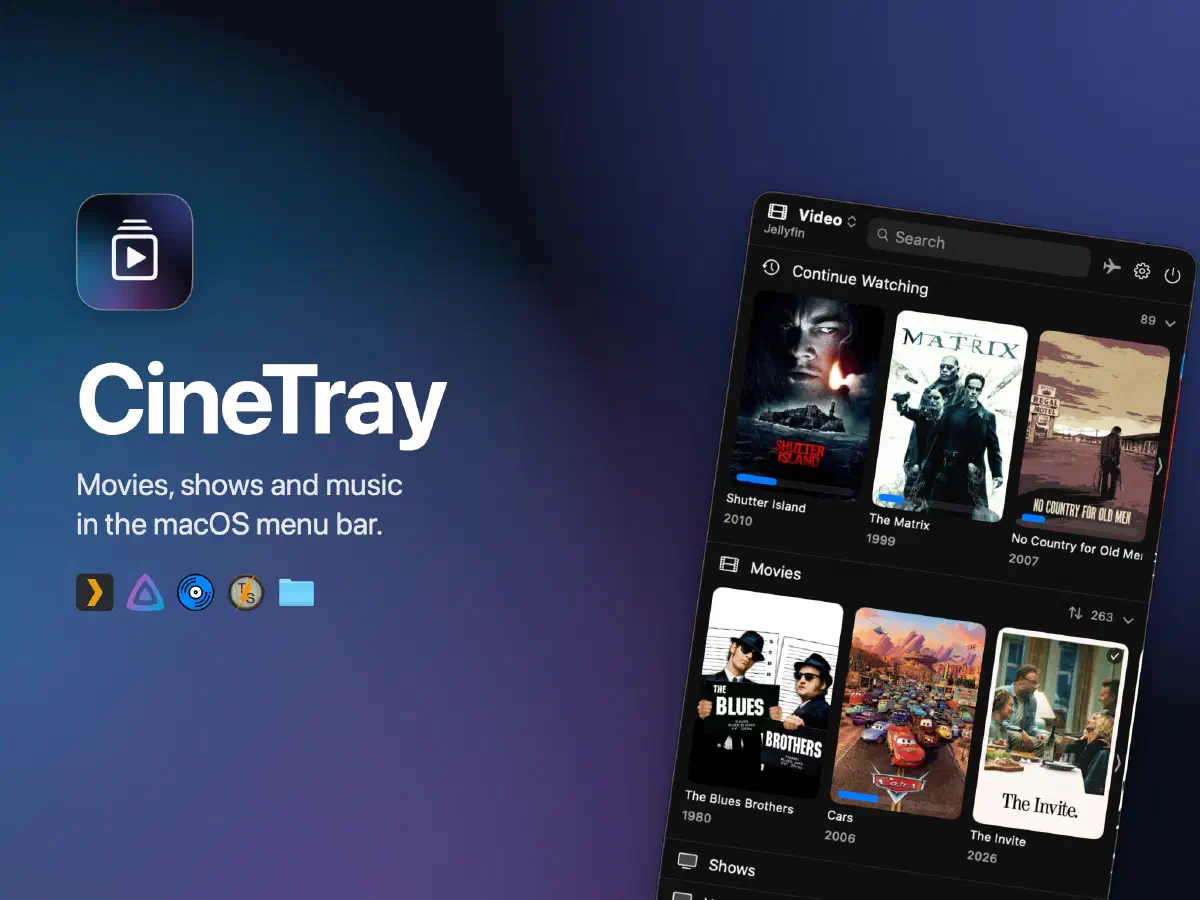
My movies and shows live on Jellyfin, my music on Navidrome. On a Mac, watching something from either means opening a browser tab or a full-size app.
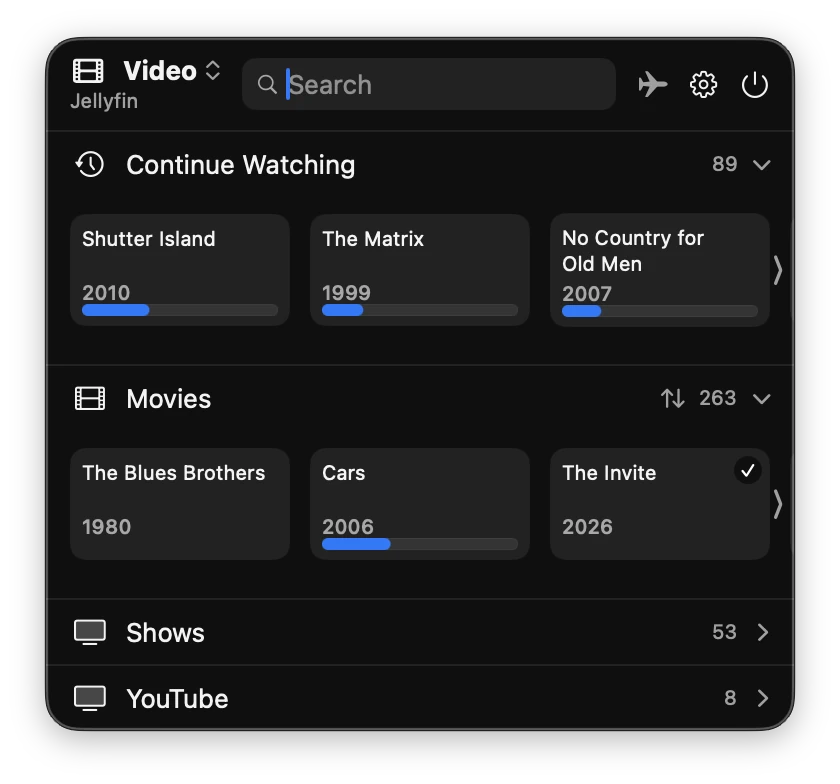
CineTray puts the whole library in the menu bar. Click the icon, pick something, and it plays. It is open source, runs on macOS 26+, and builds without Xcode.
What it connects to #
| Source | Movies | Shows | Music |
|---|---|---|---|
 Jellyfin Jellyfin |
✓ | ✓ | ✓ |
 Plex Plex |
✓ | ✓ | ✓ |
 Navidrome Navidrome |
✓ | ||
 TorrServer TorrServer |
✓ | ✓ | |
 Your own folders Your own folders |
✓ | ✓ | ✓ |
I don’t use Plex myself, but Plex and Jellyfin split the self-hosted crowd and a Jellyfin-only app would leave out people who might want it. So Plex gets the same attention as Jellyfin, including several servers at once.
Navidrome is there because I use it. Plex and Jellyfin already cover music, so it was not much of a hassle to add support for it.
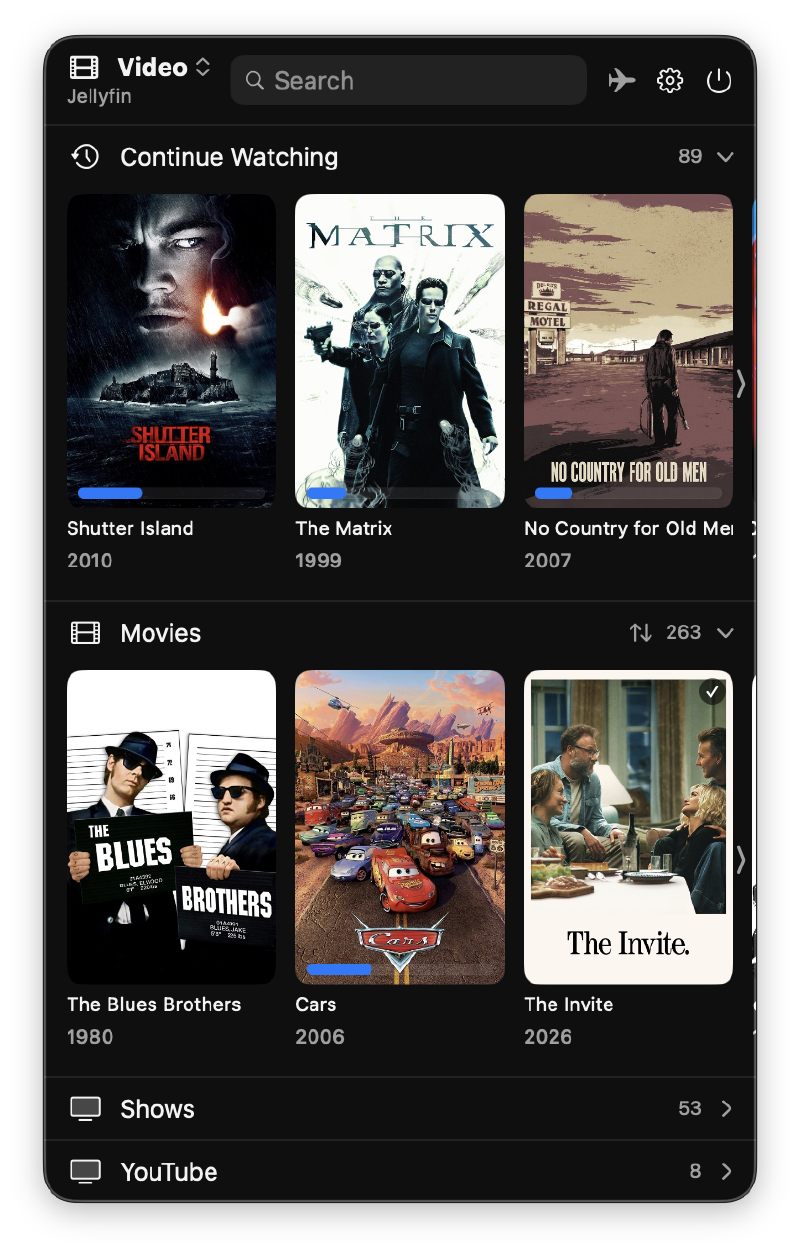
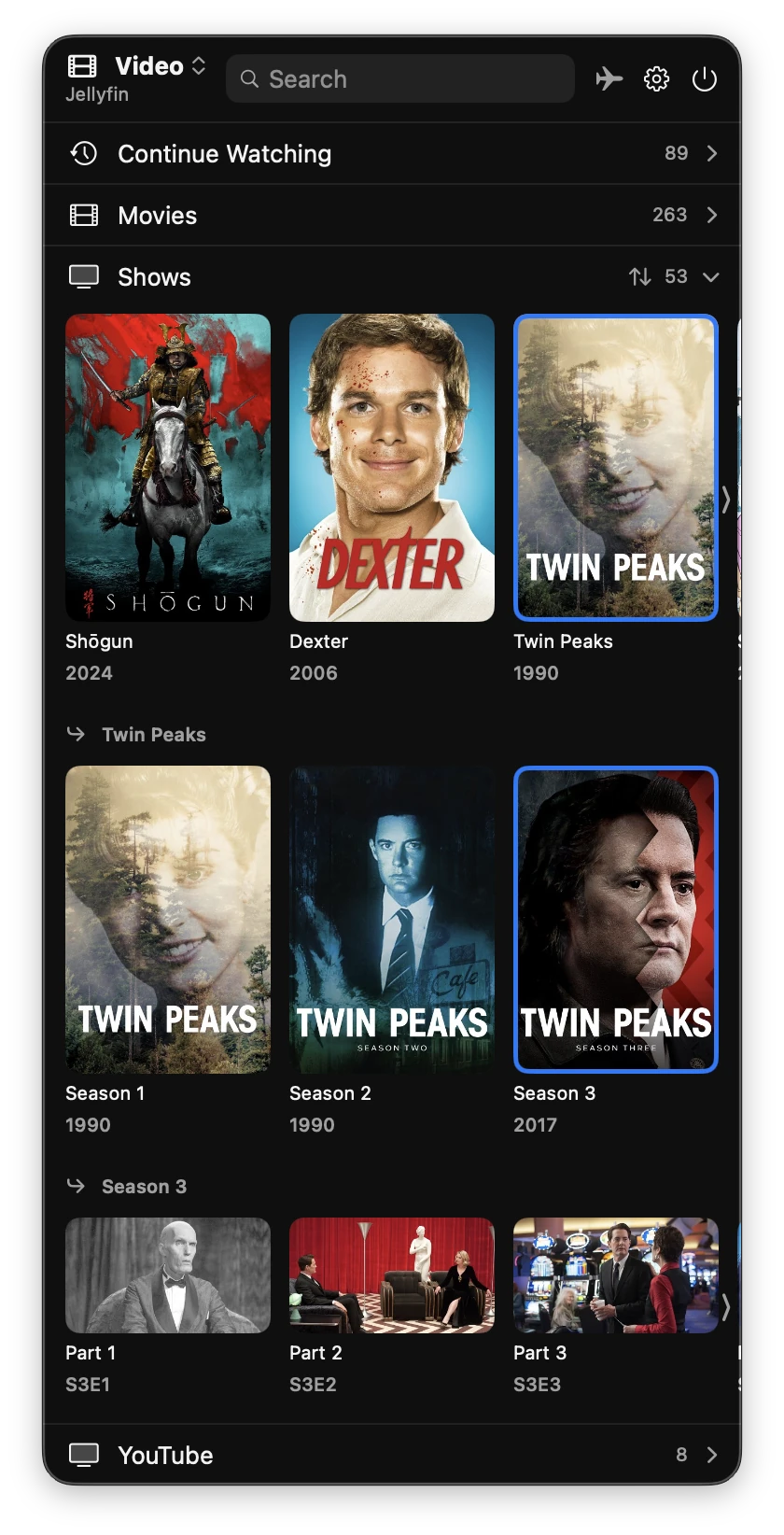
The menu shows your libraries under the names they have on the server, so a library called “YouTube” gets its own section. Libraries with the same name on different servers are merged into one.
Playback #
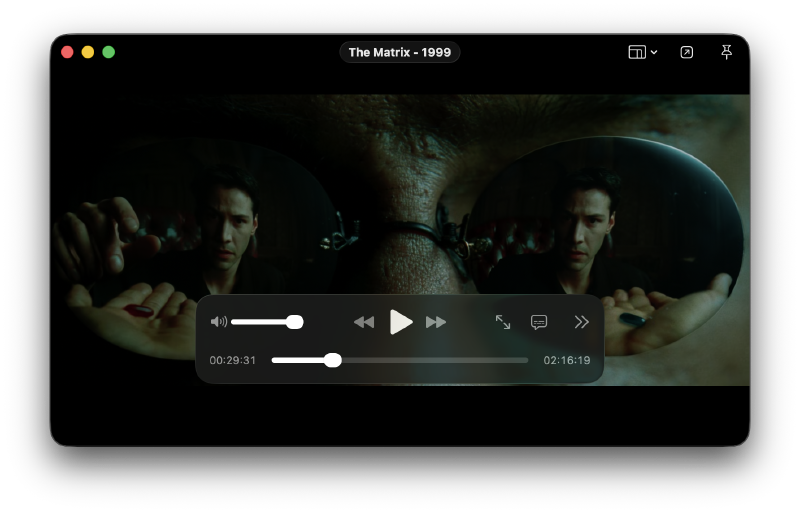
Video plays in a small floating window you can pin above other windows. The built-in player handles MKV and AVI as well as MP4, with a choice of audio track and subtitles, and subtitle offset and size. If you prefer IINA or VLC, one click sends the original file there instead.
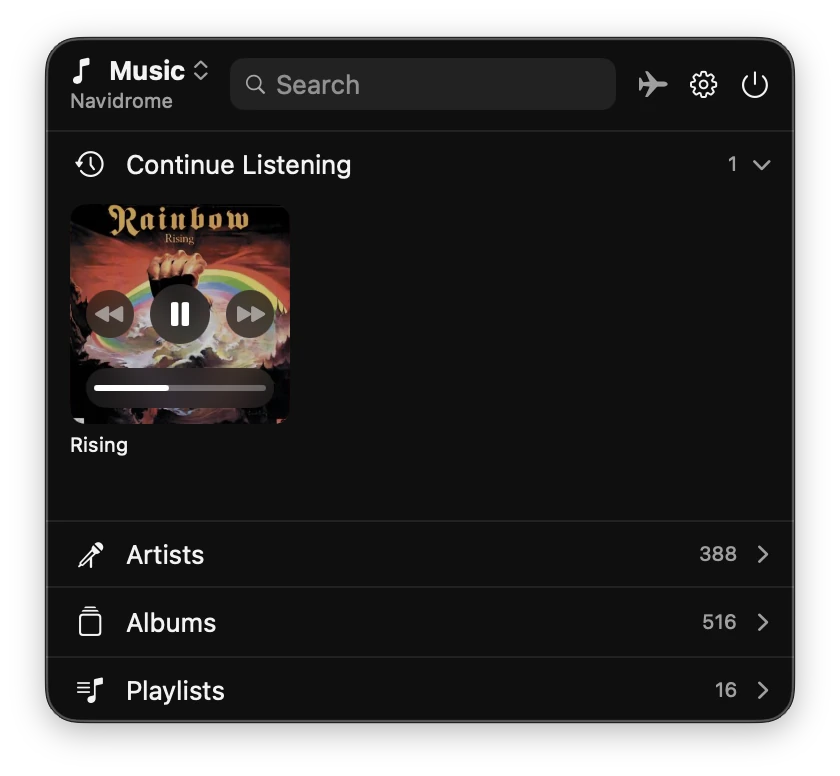
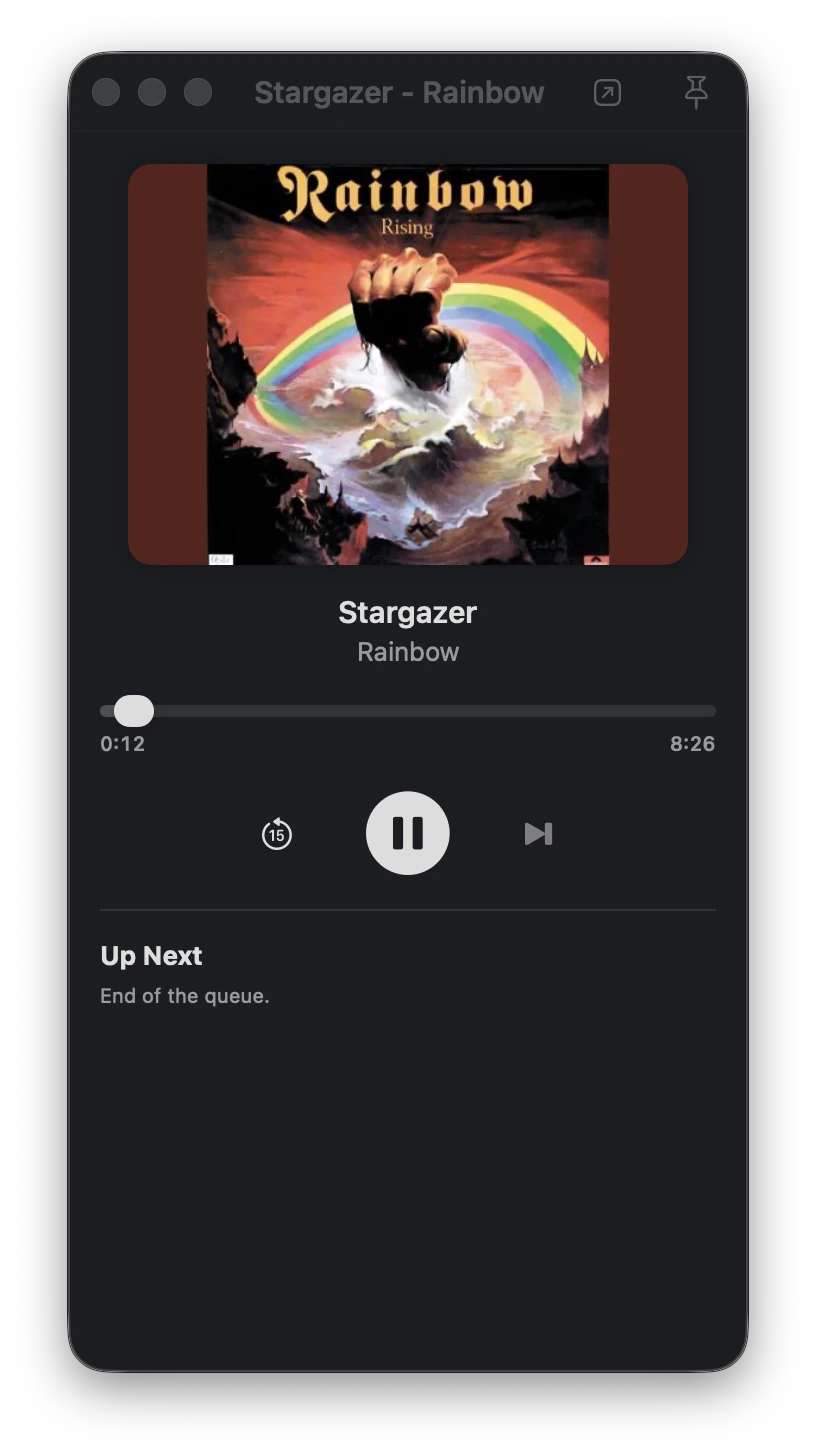
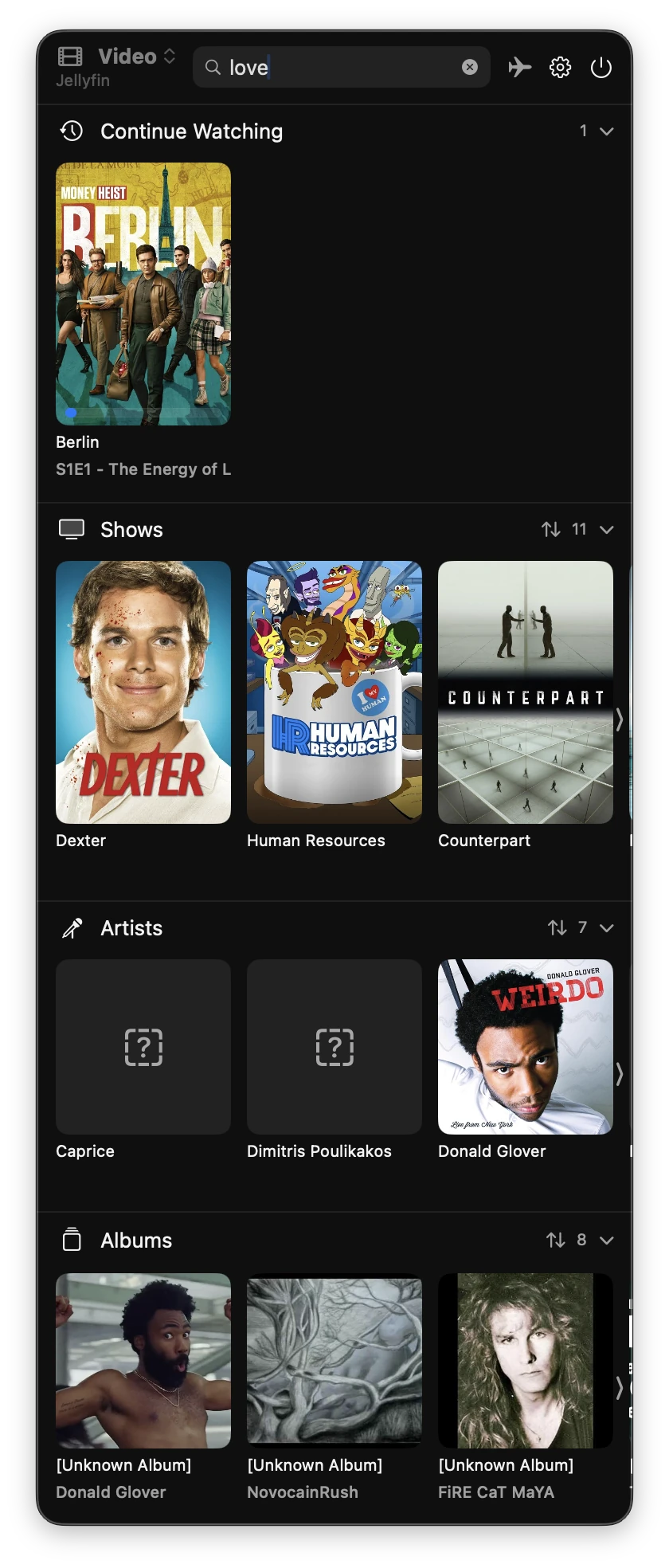
Music plays either inline, on the album poster inside the menu, or in its own player window with an Up Next queue.
Finding things #
- Continue Watching merges Jellyfin Resume and Next Up and Plex Continue Watching with what you started in CineTray, and resumes where you stopped on any device.
- Search covers every section at once and ignores spacing, punctuation and accents: “madmen” finds “Mad Men”.
- Shows open into seasons and episodes, artists into albums and tracks.
Also included #
- Downloads for offline use, with an Offline Mode that plays them without a server.
- Trakt scrobbling for movies and episodes, Last.fm for music.
- Posters and covers for your own files from TMDb, Trakt, Deezer, MusicBrainz and others.
- “Open in Jellyfin” or “Open in Plex” on every poster, if you want to watch in the server’s own web app.
- Jellyfin Quick Connect sign-in, and tokens and API keys kept in the Keychain.
CineTray is still under active development, so by the time you read this the list is probably longer. The changelog has the current state.
Install #
You need macOS 26 or later and the Command Line Tools
(xcode-select --install). Xcode is not required.
git clone https://github.com/p3rception/CineTray.git
cd CineTray
make
make builds the app, installs it in /Applications and opens it. Run it
again after git pull to update. Then add your servers in Settings > Accounts.
Credits #
CineTray is a fork of QP by KuDoZ007. Unfortunately the original project is abandoned: its code has not changed since the initial commit in August 2026. I liked the idea, so I kept working on it. The fork adds macOS 26 support, Navidrome and TorrServer, per-library sections, external players, scrobbling and a number of fixes; the changelog has the full list.
Issues and pull requests are welcome on GitHub.
![Kali Linux on Apple Silicon [2024]](/posts/tech/kali-vm-arm64/featured-kali_hu_c1dab96853f79b18.webp)